
Your recovery codes
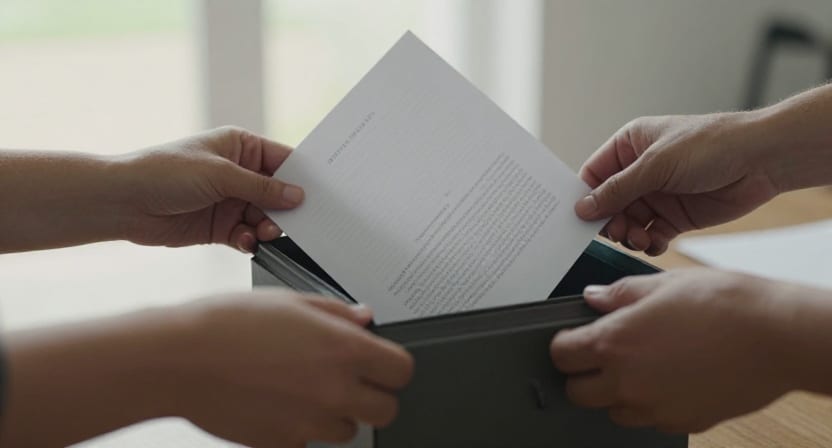
When you create a Seldeo account, the app generates a set of recovery codes and shows them to you exactly once, with the instruction to save them somewhere safe. This article explains what those codes are for and how to treat them.
What a recovery code does
A recovery code is one half of the proof used in account recovery — the flow for when every device holding your passkey is lost. Recovery requires two independent things:
- Access to your recovery email (we send a six-digit code there), and
- One unused recovery code — or, failing that, your security question answers.
Neither half works alone. A thief with your recovery codes but not your inbox gets nowhere, and vice versa.
The rules they follow
- Shown once. The codes appear at sign-up, you confirm "I've saved my recovery codes somewhere safe," and the app never displays them again. There is currently no screen for viewing or regenerating them later — the copy you saved is the only copy.
- Single-use. Each code works exactly once. Using one during a recovery consumes it.
- They bypass your passkey. That's their purpose, and it's why storage matters: anyone holding a code and control of your recovery inbox can take the account.
How to store them
Anywhere durable that is not only on your phone — the whole point is surviving the loss of that phone:
- A password manager's secure notes (the best default).
- A printed copy in the place you keep passports and paperwork.
- A written copy with someone you'd trust with your house keys.
Avoid: a screenshot in your camera roll (lost with the phone, and readable by anything that can read your photos), or an email to yourself titled "Seldeo codes."
If your codes are gone
You're not locked out, but your margin is thinner:
- The recovery flow has a security questions fallback — tap No recovery code? Use security questions during recovery and answer the two questions you set at sign-up.
- Make lockout unlikely in the first place: keep passkeys on at least two devices (Passkeys on Seldeo), and make sure your recovery email is one you still control (Settings → Account → Account security → Recovery email).